

Open the Integrations page
In your Ryze dashboard, go to Integrations at app.get-ryze.ai/integrations. You’ll see every supported platform with a Connect button.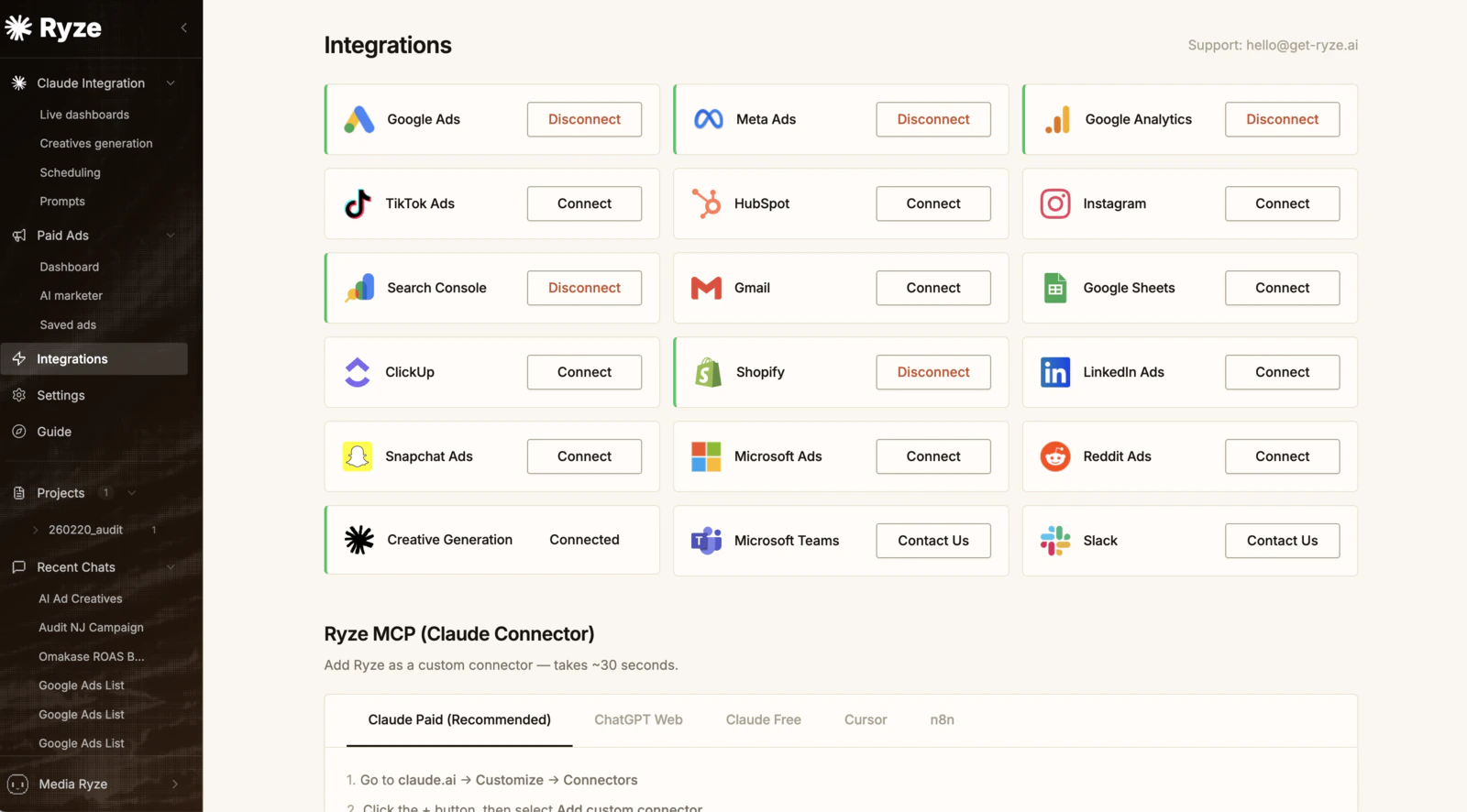
Connect a platform
Click Connect next to the platform you want (Google Ads, Meta Ads, Google Analytics, Search Console, Shopify, and more). You’ll authorize through that platform’s own login — Ryze never sees or stores your platform password.Once your accounts are connected here, connect Ryze to Claude so you can manage everything from chat.