
Plan & usage
Open Settings → Usage to see how much of your plan you’ve used this cycle. When you run low, Buy extra usage adds credits so Ryze keeps working without interruption.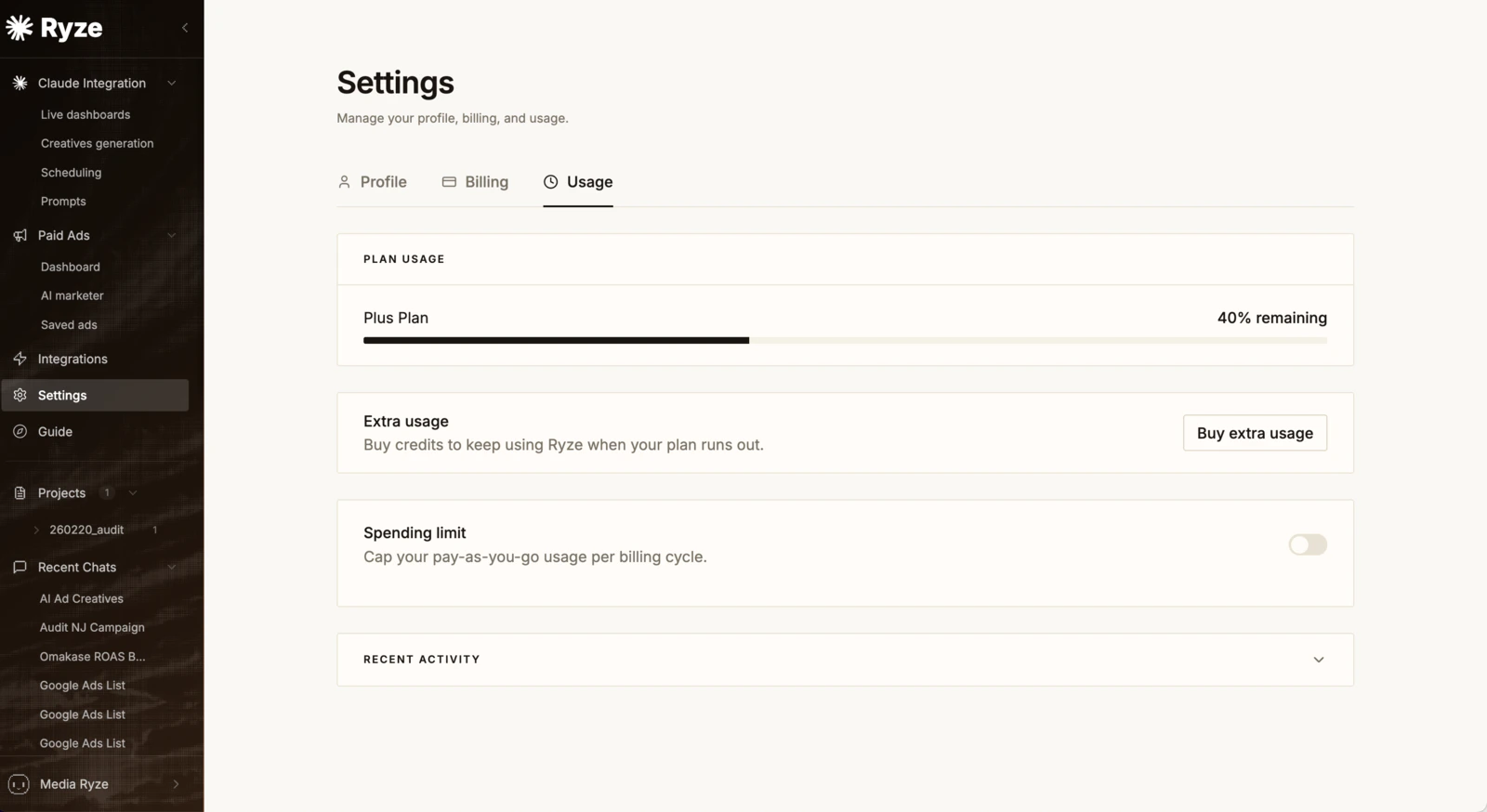
Set a spending limit
Turn on Spending limit to cap your pay-as-you-go usage per billing cycle. Pick a preset or enter a custom amount, then Set limit — Ryze won’t exceed it within the cycle.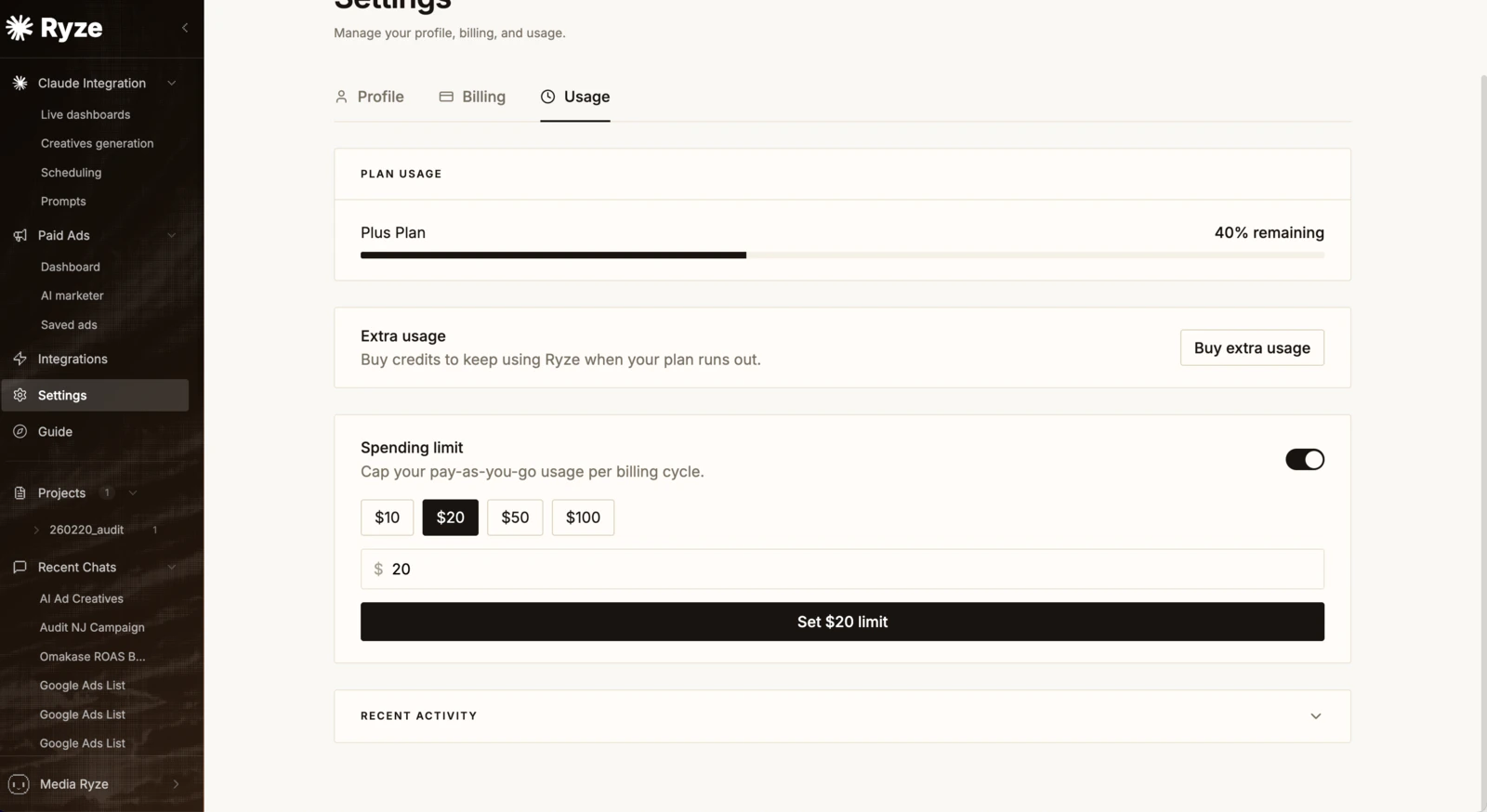
Plans, invoices & cancellation
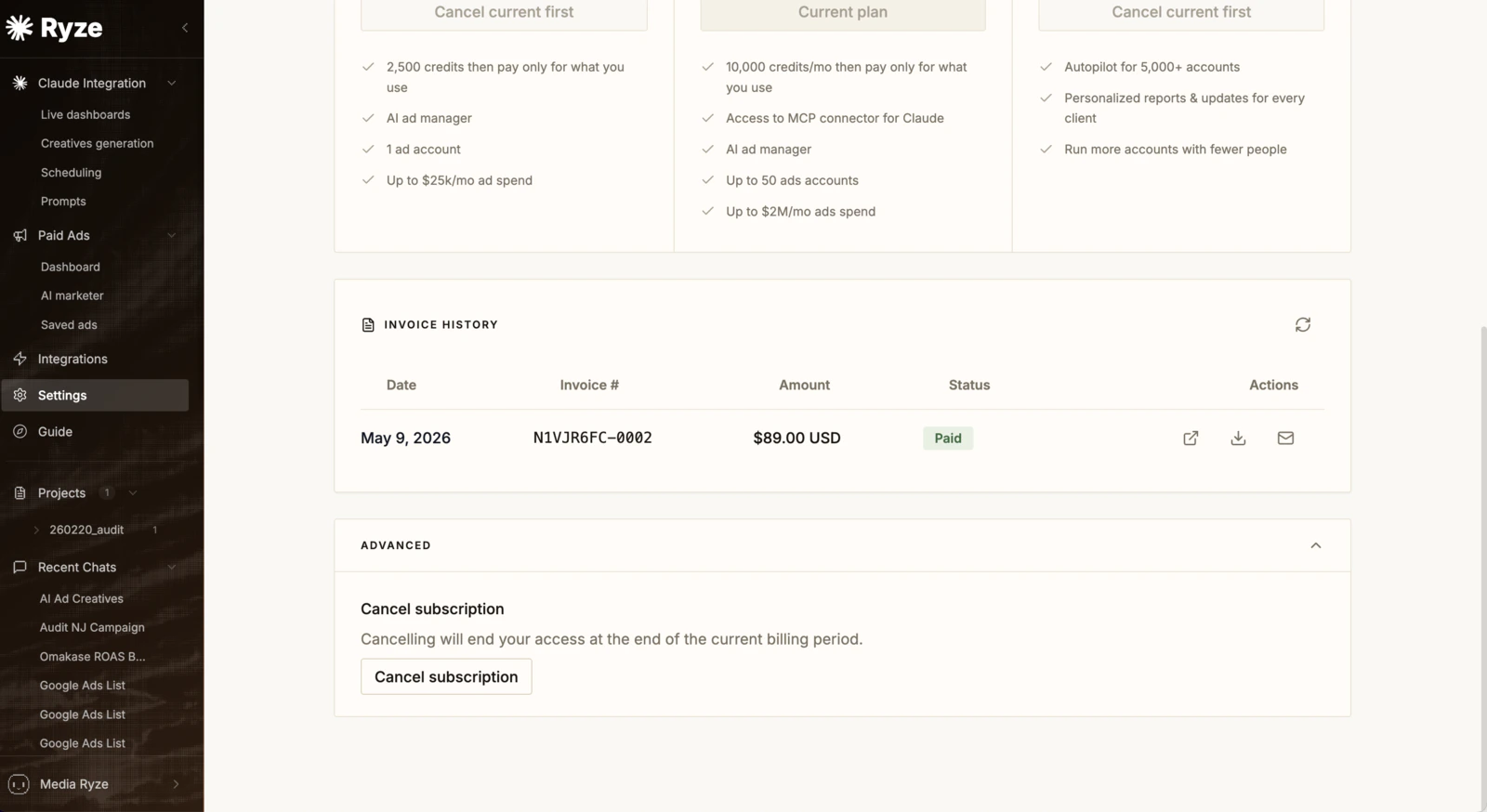
Open Settings → Billing to compare plans, switch, and review your Invoice history — each invoice shows the date, number, amount, and status, with links to view, download, or email it. To cancel, use Advanced → Cancel subscription; access continues until the end of the current billing period.